26 August 2026 · 1 min read
How to Prepare Artwork Files for Woven Label Production
Which files work (AI, EPS, PDF, PNG), minimum text sizes, colour limits and the pre-flight checklist that avoids proof revisions.
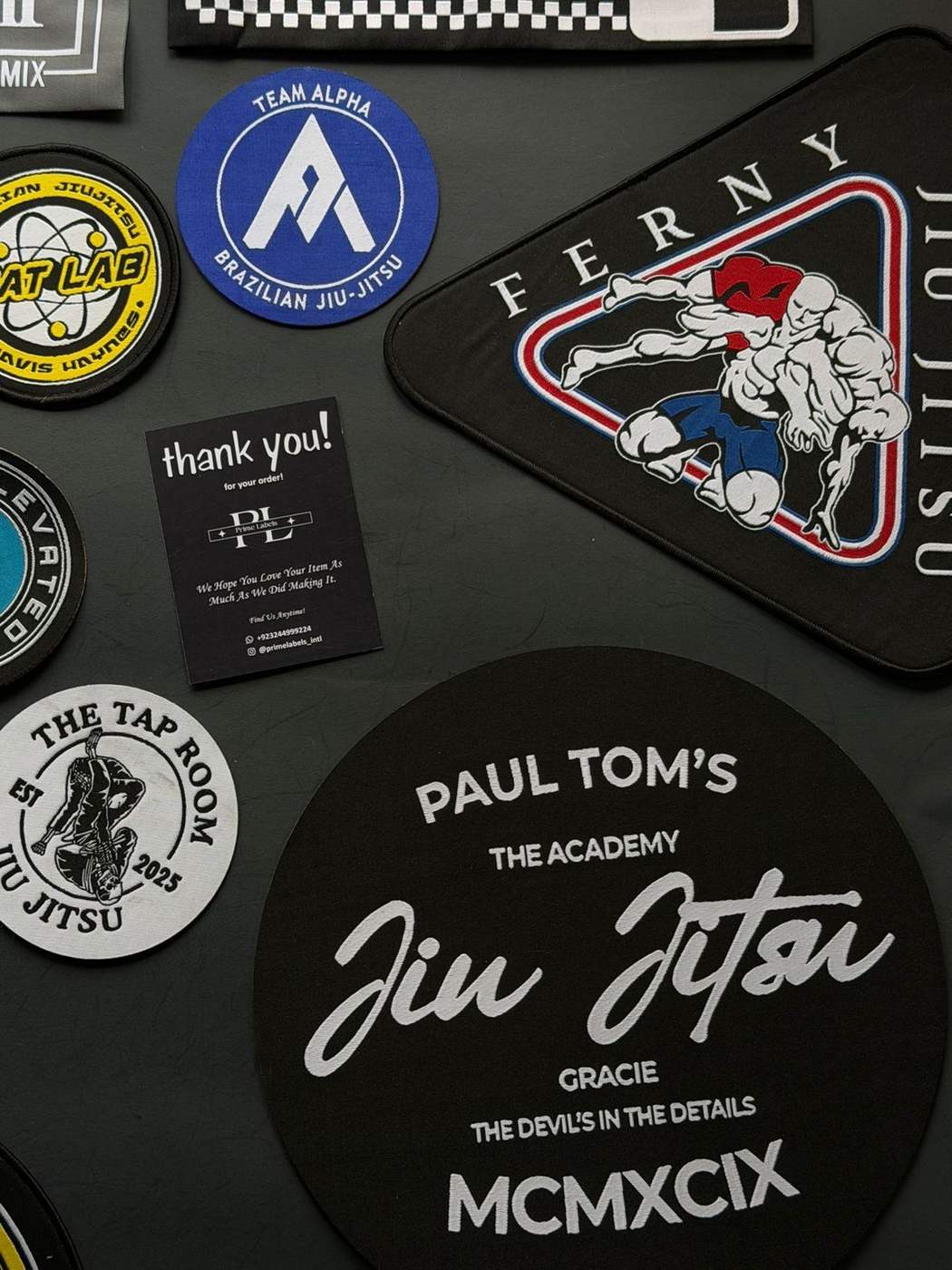
Good artwork in = perfect label out. This is the exact checklist our production team wishes every brand followed.
File formats, best to acceptable
- 01Vector (AI / EPS / PDF / SVG) — ideal. Scales cleanly, colours separate perfectly
- 02High-res PNG (1500px+) — fine; we redraw it as vector for free
- 03JPG screenshots / Instagram grabs — workable, but expect one extra proof round
The rules that prevent revisions
- ✦Minimum text height: 1.5mm on the finished label (roughly 8pt at 50mm width). Smaller than that turns to fuzz in thread
- ✦Max 8 thread colours per woven label — most premium labels use 2–3
- ✦No gradients in woven designs — thread is solid colour; we simulate gradients with stitch density (looks great, but approve it on the proof)
- ✦Leave 3mm safe margin from the edge — fold lines and cuts need room
- ✦Send Pantone codes if colour matters; screen colours lie
What happens after you send files
- 01Our team preps the weave file and sends a free digital proof within 24 hours
- 02You approve or request changes (unlimited rounds, still free)
- 03Production starts only after your written approval
The one thing to never do
Don't "flatten" text into a tiny image before sending. Send the original logo file plus the fonts or outlined text — we handle the rest.
Files ready? Upload them with your quote request — proof lands in your inbox within 24 hours.
Ready to put this into practice?
Send your design and quantity — a tailored quote lands in your inbox within 24 hours, with a free digital proof before production.